;stop-opacity:1'%20/%3e%3cstop%20offset='100%25'%20style='stop-color:hsl(259%2076%25%2060%25);stop-opacity:1'%20/%3e%3c/linearGradient%3e%3c/defs%3e%3c!--%20Decorated%20background%20div%20(rounded%20rectangle%20with%20padding%20effect)%20--%3e%3crect%20width='40'%20height='40'%20rx='6'%20fill='url(%23gradientPrimary)'%20filter='drop-shadow(0%204px%206px%20rgba(0,%200,%200,%200.1))%20drop-shadow(0%202px%204px%20rgba(0,%200,%200,%200.06))'%20/%3e%3c!--%20File%20text%20icon%20--%3e%3cg%20transform='translate(8,%208)'%3e%3csvg%20xmlns='http://www.w3.org/2000/svg'%20width='24'%20height='24'%20viewBox='0%200%2024%2024'%20fill='none'%20stroke='white'%20stroke-width='2'%20stroke-linecap='round'%20stroke-linejoin='round'%20class='lucide%20lucide-file-text-icon%20lucide-file-text'%3e%3cpath%20d='M6%2022a2%202%200%200%201-2-2V4a2%202%200%200%201%202-2h8a2.4%202.4%200%200%201%201.704.706l3.588%203.588A2.4%202.4%200%200%201%2020%208v12a2%202%200%200%201-2%202z'%20/%3e%3cpath%20d='M14%202v5a1%201%200%200%200%201%201h5'%20/%3e%3cpath%20d='M10%209H8'%20/%3e%3cpath%20d='M16%2013H8'%20/%3e%3cpath%20d='M16%2017H8'%20/%3e%3c/svg%3e%3c/g%3e%3c/svg%3e)
Guides & how-tos
PDF tips & guides
Step-by-step guides for shrinking, combining, splitting and fixing PDFs, plus the background you need to choose the right format and keep sensitive documents private.
Compress··7 min read
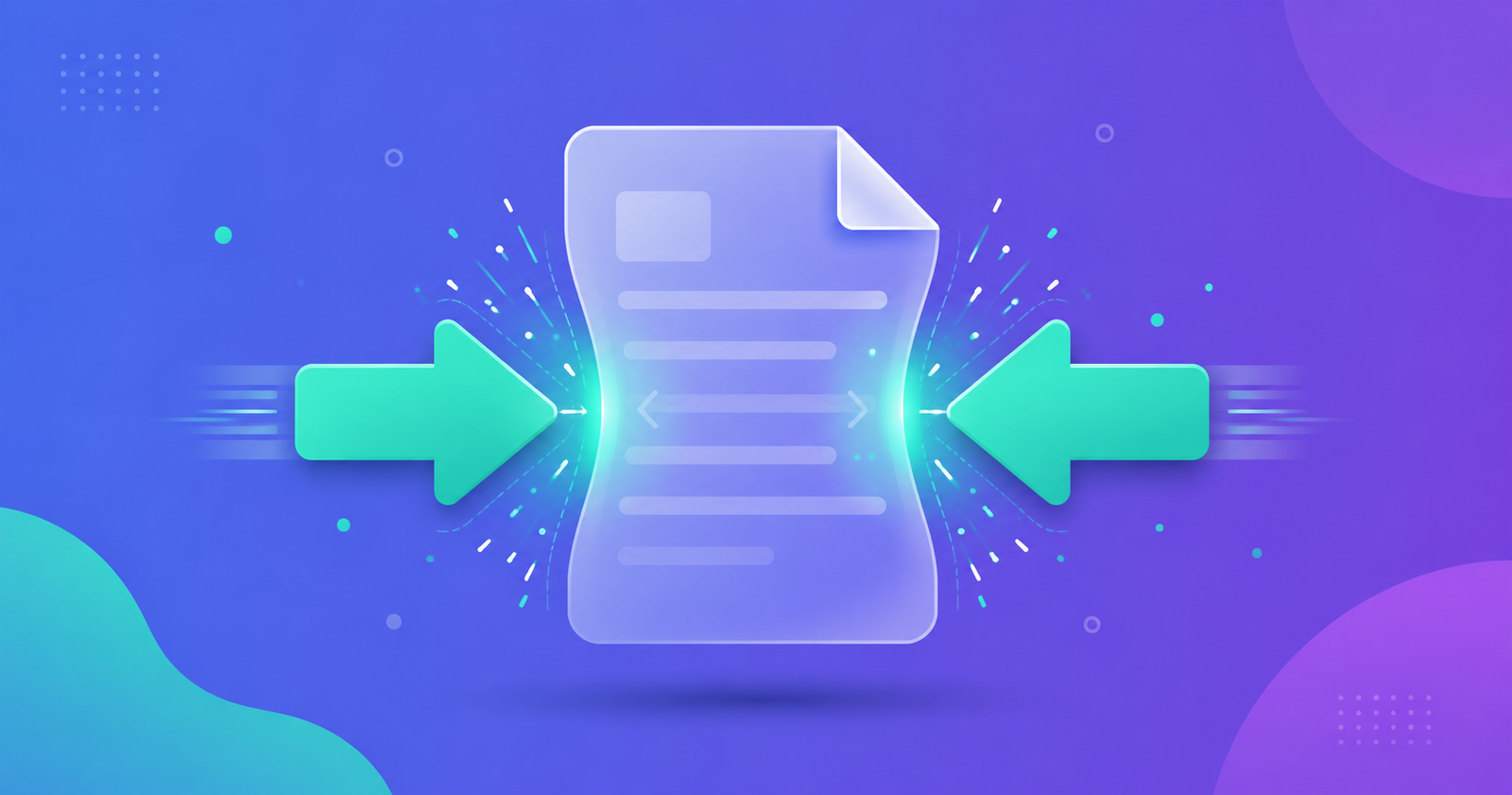
Why Is My PDF So Large? 8 Causes and How to Fix Each
A 300-page novel can be smaller than a 5-page scan. Here's how to work out what's actually making your PDF heavy, and the fix that matches each cause.
Read the guide