;stop-opacity:1'%20/%3e%3cstop%20offset='100%25'%20style='stop-color:hsl(259%2076%25%2060%25);stop-opacity:1'%20/%3e%3c/linearGradient%3e%3c/defs%3e%3c!--%20Decorated%20background%20div%20(rounded%20rectangle%20with%20padding%20effect)%20--%3e%3crect%20width='40'%20height='40'%20rx='6'%20fill='url(%23gradientPrimary)'%20filter='drop-shadow(0%204px%206px%20rgba(0,%200,%200,%200.1))%20drop-shadow(0%202px%204px%20rgba(0,%200,%200,%200.06))'%20/%3e%3c!--%20File%20text%20icon%20--%3e%3cg%20transform='translate(8,%208)'%3e%3csvg%20xmlns='http://www.w3.org/2000/svg'%20width='24'%20height='24'%20viewBox='0%200%2024%2024'%20fill='none'%20stroke='white'%20stroke-width='2'%20stroke-linecap='round'%20stroke-linejoin='round'%20class='lucide%20lucide-file-text-icon%20lucide-file-text'%3e%3cpath%20d='M6%2022a2%202%200%200%201-2-2V4a2%202%200%200%201%202-2h8a2.4%202.4%200%200%201%201.704.706l3.588%203.588A2.4%202.4%200%200%201%2020%208v12a2%202%200%200%201-2%202z'%20/%3e%3cpath%20d='M14%202v5a1%201%200%200%200%201%201h5'%20/%3e%3cpath%20d='M10%209H8'%20/%3e%3cpath%20d='M16%2013H8'%20/%3e%3cpath%20d='M16%2017H8'%20/%3e%3c/svg%3e%3c/g%3e%3c/svg%3e)
8 Free PDF Tasks You Can Do Online Without Installing Any Software (2026 Guide)
By Ayesha Iftikhar · Updated
You don't need Adobe Acrobat installed to handle 90% of what people actually do with PDFs. Here's the full list — and what to watch for before uploading anything.
Explore All Tools: free, no upload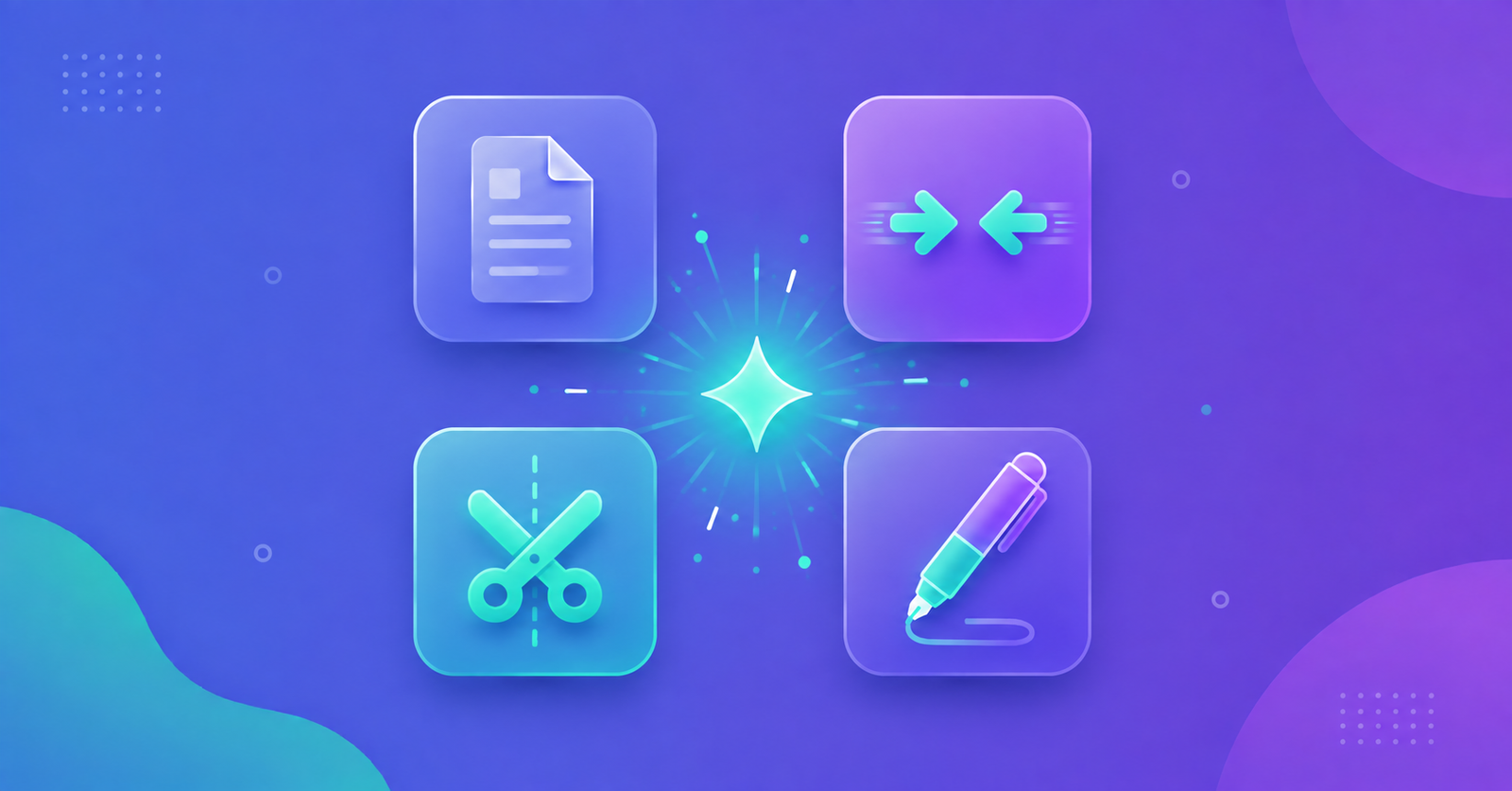
Most people who search for 'PDF software' aren't trying to build a document from scratch — they need to shrink a file, combine a few pages, fix a rotated scan, or pull out one section. None of that requires installing anything. Here's the full range of what a free, browser-based PDF tool can do, and what to check before you trust one with a sensitive document.
Why Do It in the Browser Instead of Installing Software?
- No install, no account, no waiting for a download to finish before you can use it once.
- Works the same on Windows, Mac, Chromebook, or a work laptop where you can't install new software.
- When processing happens locally in the browser, your file never has to leave your device.
- No subscription — most everyday PDF tasks don't need a paid desktop suite at all.
8 Things You Can Do With Free Browser-Based PDF Tools
- Compress a PDF — shrink file size for email or upload limits, with control over quality vs. size trade-offs.
- Merge PDFs — combine multiple files into one, in whatever order you need.
- Split a PDF — break a large document into smaller files, by page, by count, or by custom range.
- Add text — fill in a blank, add a note, or insert a signature line directly on the page.
- Draw annotations — highlight, box, or mark up a page before sending it back for review.
- Rotate pages — fix a sideways or upside-down scan without re-scanning the original.
- Delete pages — remove a blank, duplicate, or irrelevant page from a document.
- Hit an exact target file size — compress to a specific MB limit instead of guessing at a quality setting.
What to Check Before You Trust a 'Free' PDF Tool
- Does it upload your file to a server? Many 'free' tools process files remotely, meaning your document — even briefly — sits on someone else's infrastructure.
- Is there a hidden file size or page count cap that only shows up after you've already uploaded?
- Does the output get watermarked unless you pay?
- Is a sign-up or account required just to download the result?
- Does the site disclose what happens to your file after processing — is it deleted immediately, or retained?
A Typical PDF Workflow, Start to Finish
A common real-world sequence looks like this: scan a stack of receipts individually, merge them into one file, compress the merged file so it's small enough to email, and rotate the one page that came out sideways. That's four separate tasks — compress, merge, edit, and (if needed) split — all doable in a browser in a few minutes, without ever creating an account or installing anything.