;stop-opacity:1'%20/%3e%3cstop%20offset='100%25'%20style='stop-color:hsl(259%2076%25%2060%25);stop-opacity:1'%20/%3e%3c/linearGradient%3e%3c/defs%3e%3c!--%20Decorated%20background%20div%20(rounded%20rectangle%20with%20padding%20effect)%20--%3e%3crect%20width='40'%20height='40'%20rx='6'%20fill='url(%23gradientPrimary)'%20filter='drop-shadow(0%204px%206px%20rgba(0,%200,%200,%200.1))%20drop-shadow(0%202px%204px%20rgba(0,%200,%200,%200.06))'%20/%3e%3c!--%20File%20text%20icon%20--%3e%3cg%20transform='translate(8,%208)'%3e%3csvg%20xmlns='http://www.w3.org/2000/svg'%20width='24'%20height='24'%20viewBox='0%200%2024%2024'%20fill='none'%20stroke='white'%20stroke-width='2'%20stroke-linecap='round'%20stroke-linejoin='round'%20class='lucide%20lucide-file-text-icon%20lucide-file-text'%3e%3cpath%20d='M6%2022a2%202%200%200%201-2-2V4a2%202%200%200%201%202-2h8a2.4%202.4%200%200%201%201.704.706l3.588%203.588A2.4%202.4%200%200%201%2020%208v12a2%202%200%200%201-2%202z'%20/%3e%3cpath%20d='M14%202v5a1%201%200%200%200%201%201h5'%20/%3e%3cpath%20d='M10%209H8'%20/%3e%3cpath%20d='M16%2013H8'%20/%3e%3cpath%20d='M16%2017H8'%20/%3e%3c/svg%3e%3c/g%3e%3c/svg%3e)
How to Merge PDF Files Online for Free (Step-by-Step)
By Ayesha Iftikhar · Updated
Scanned receipts, multi-part reports, signed contracts split across emails — merging PDFs is one of the most common document tasks. Here's how to do it right.
Try the Merge Tool: free, no upload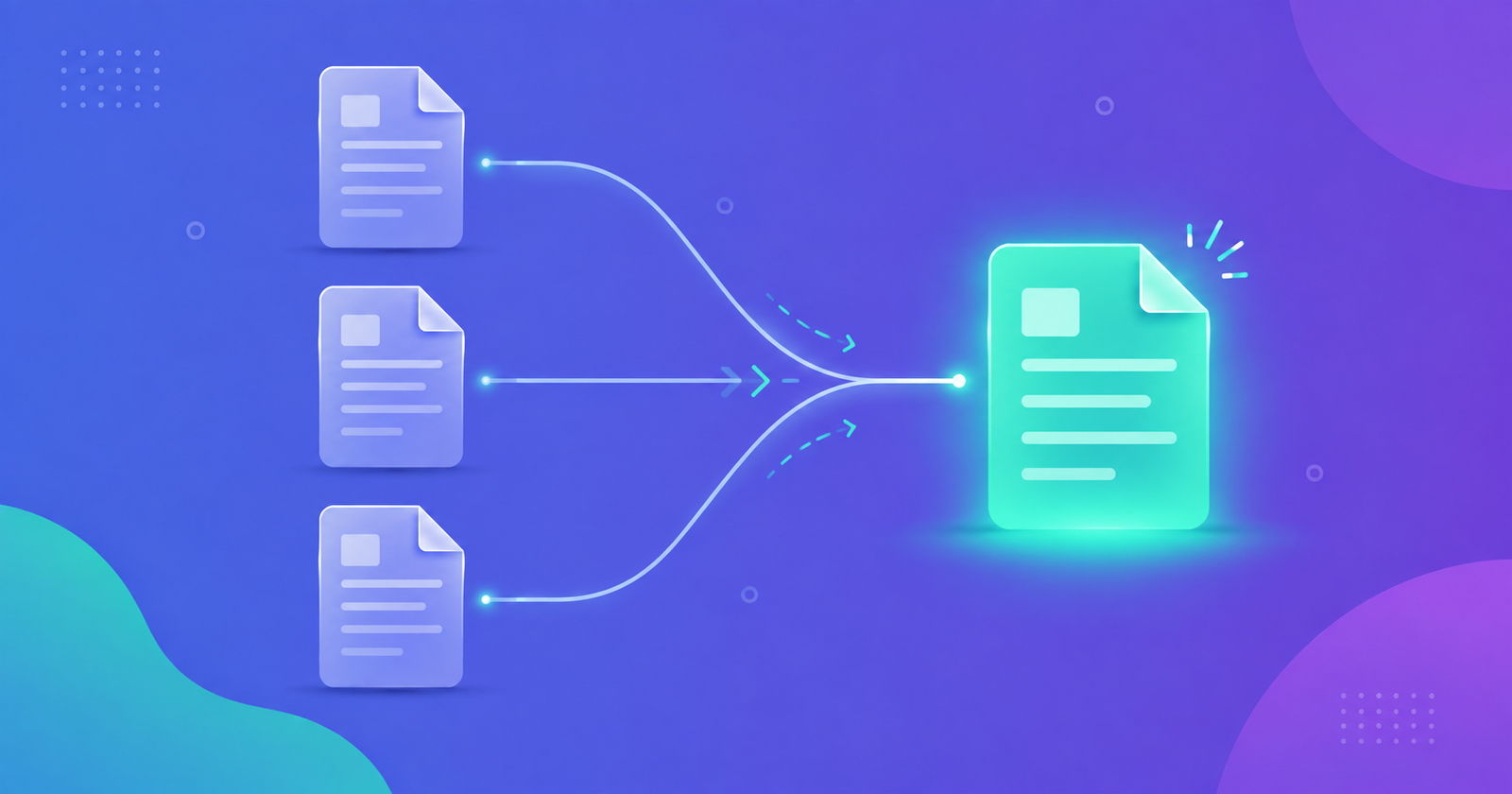
You've got five scanned receipts, three contract addendums, and a cover letter — and you need to send it all as one file. Merging PDFs turns a scattered pile of documents into a single, ordered file that's easy to send, print, or archive. Here's how to do it without installing anything.
When You Need to Merge PDFs
- Combining scanned receipts or invoices into one expense report.
- Joining signed contract pages that were scanned separately.
- Assembling a multi-chapter document from individually exported sections.
- Building a single application packet from a resume, cover letter, and references.
- Merging monthly statements into one file for tax season.
How to Merge PDF Files in 3 Steps
- Open the Merge tool and add all the PDF files you want to combine — drag and drop or click to select multiple files at once.
- Drag the file thumbnails into the order you want them to appear in the final document.
- Click Merge and download the combined PDF — it's built entirely in your browser, so nothing is uploaded anywhere.
Getting the Page Order Right Before You Merge
The most common mistake when merging PDFs isn't a technical one — it's ending up with pages in the wrong order. Before you click merge, double-check each file's thumbnail preview rather than relying on filenames, since files named 'scan1', 'scan2', 'scan3' don't always reflect the order you scanned them in. Reorder by dragging thumbnails directly rather than re-uploading files in a different sequence.
Merging Large Batches of Files
There's no practical limit to how many PDFs you can combine in one pass — whether it's 3 files or 30. For very large batches, it helps to merge in smaller logical groups first (for example, all receipts from one vendor), then merge those grouped files together, so you can verify order and content at each stage rather than checking fifty pages at once.
After Merging: Check the Size
Combining several scanned PDFs often produces one large file, since file sizes simply add together. If the result is too big to email or upload, run it through a compressor afterward — compressing the merged file gets you a single, right-sized document instead of juggling multiple compressed pieces.